
Official Sites
OKX Help Center: Official Support and Ticket Links
Find the official OKX Help Center, self-service tools and support routes, with a separate guide to submitting and following up on a ticket.
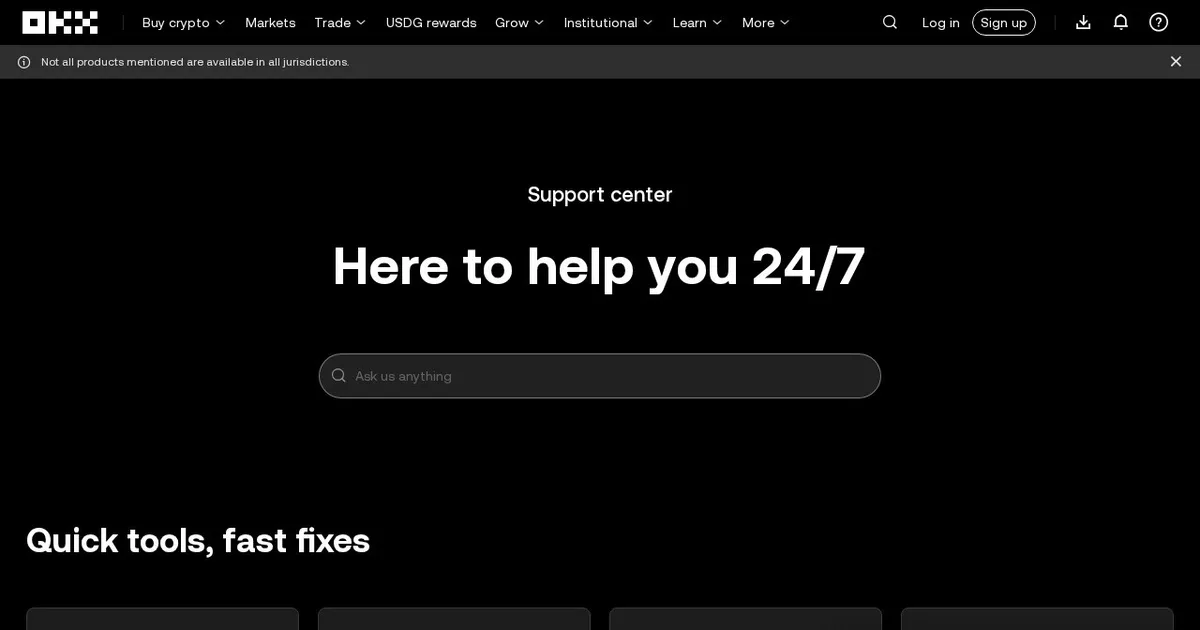
The official OKX Help Center provides help articles, self-service tools, and routes to customer support. Open it from a trusted bookmark, the official website, or the official app. The support options displayed can vary by region and whether you are signed in.
Find the right support route
- A general product question: search the official documentation for the exact feature or error message.
- An account or transaction problem: use the support or chat option shown in the official Help Center and follow the case-specific instructions.
- A ticket you already opened: return to the official ticket flow and continue that conversation instead of repeatedly starting new requests.
For the web, app, and guest routes, read how to contact OKX support, submit a ticket, and check its status. That guide also explains what evidence to prepare and which sensitive details to hide in a screenshot.
Before sharing information
Do not give anyone your password, verification codes, seed phrase, private key, or remote-control access. If a message asks you to send money to unlock an account or move the conversation to an unsolicited private chat, stop and verify it through official channels. Do not rely on a display name or social-media badge as proof of identity.
Related guides
- Submit and follow up on an OKX support ticket
- Verify an OKX website, email, or support channel
- OKX KYC failed: how to fix it
- OKX account frozen: appeal process
- Signs of fake customer support
OKSUR is an independent guide site. This listing links to OKX; it is not an OKX support desk.